Every video ad example on this page is a real export from Veolora, not a mock-up: short-drama ads for invented shops first, then product placements in existing footage. Watch each one, see how it was made and what it cost, then start your own from the same idea.
Short-drama video ad examples
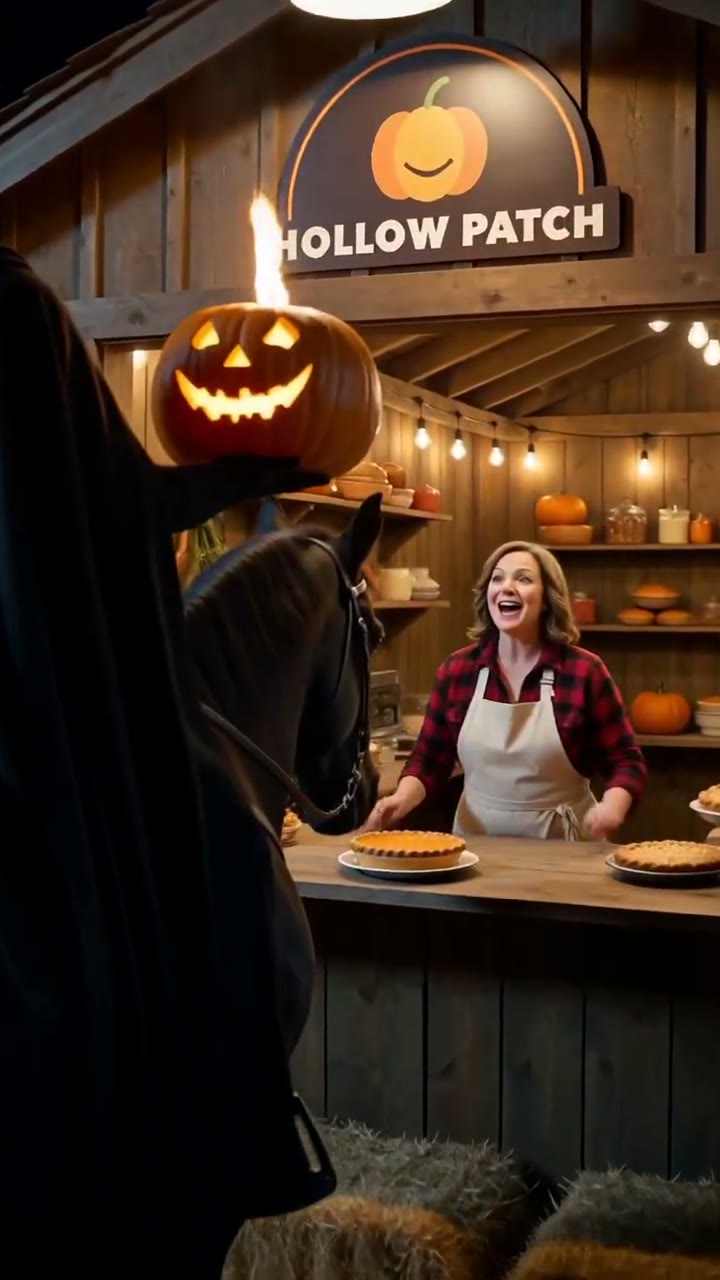
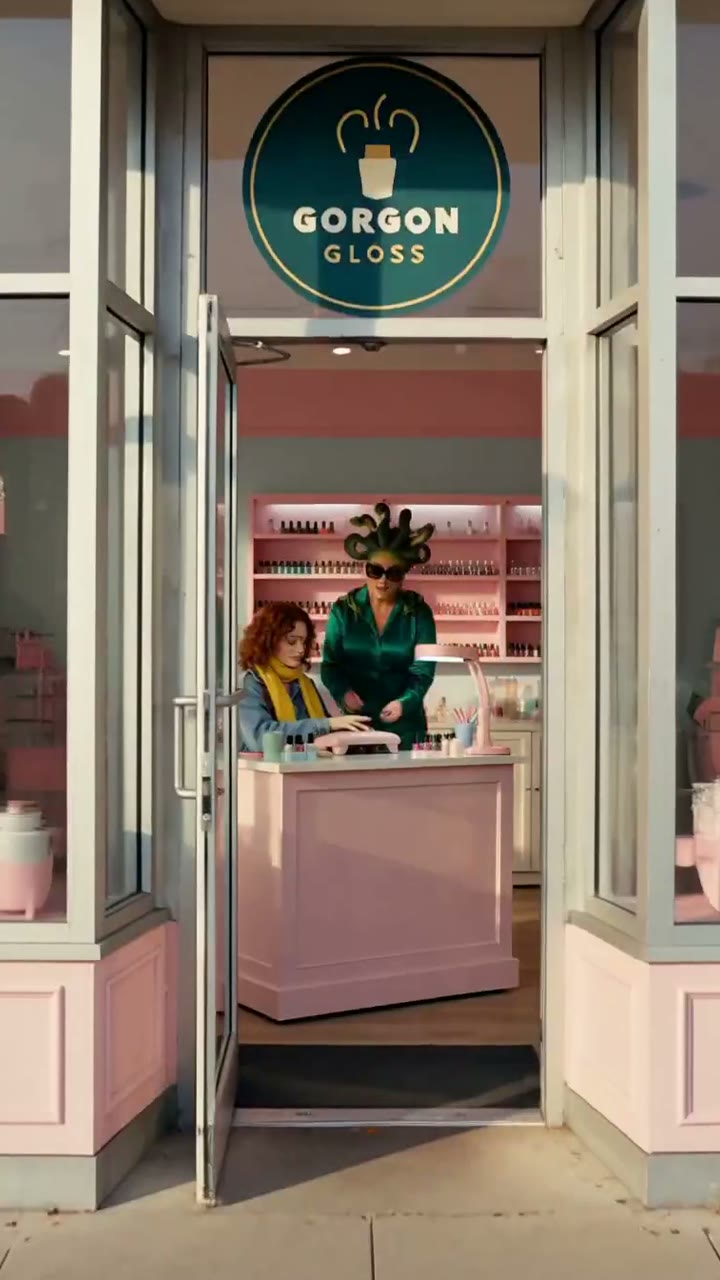
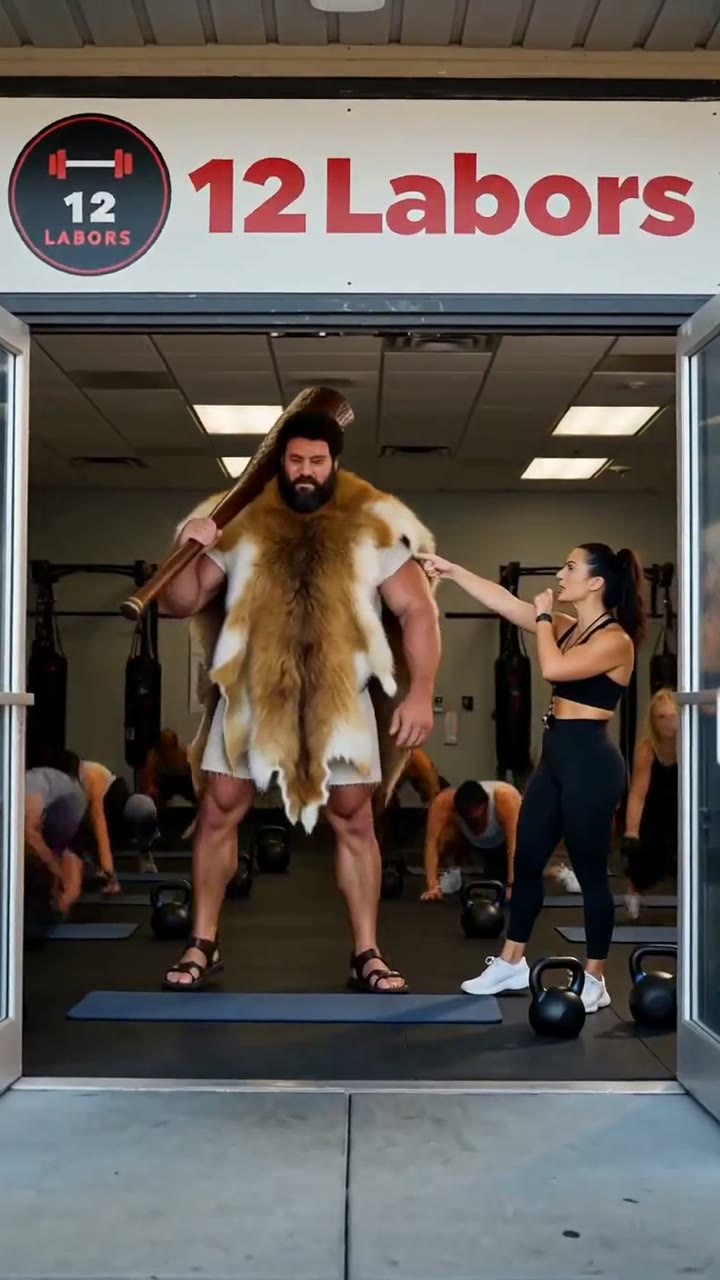
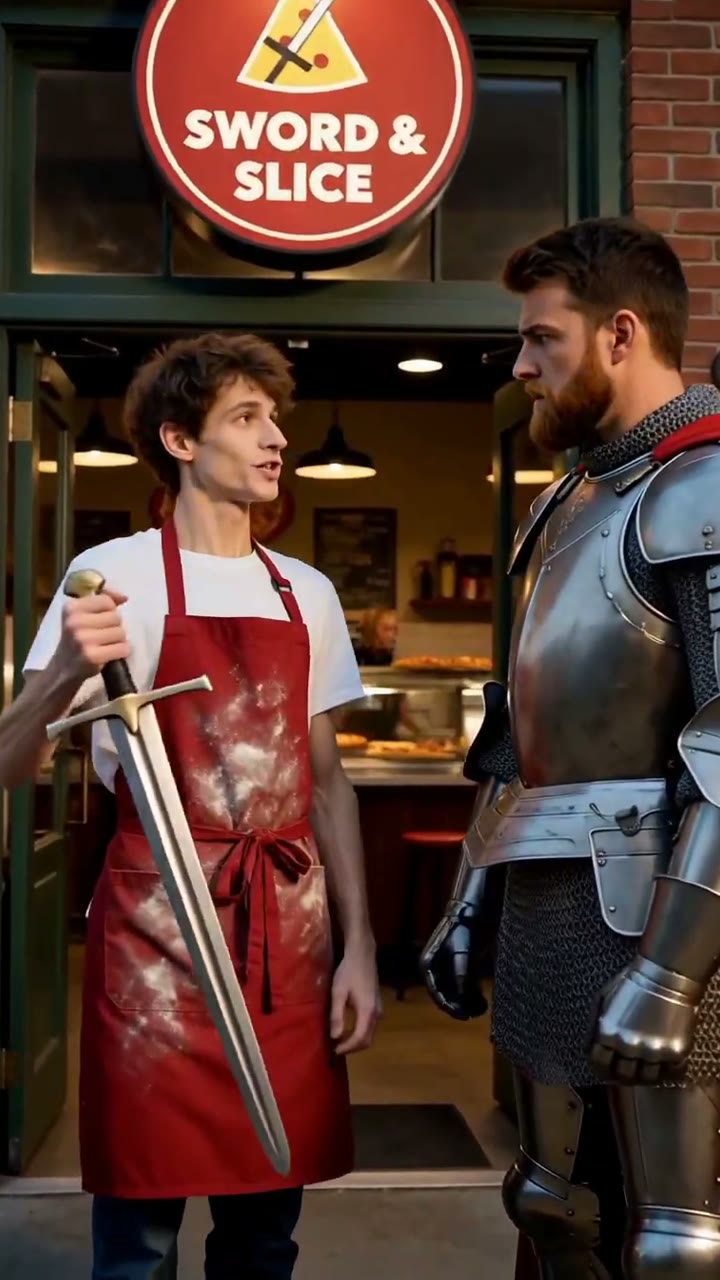
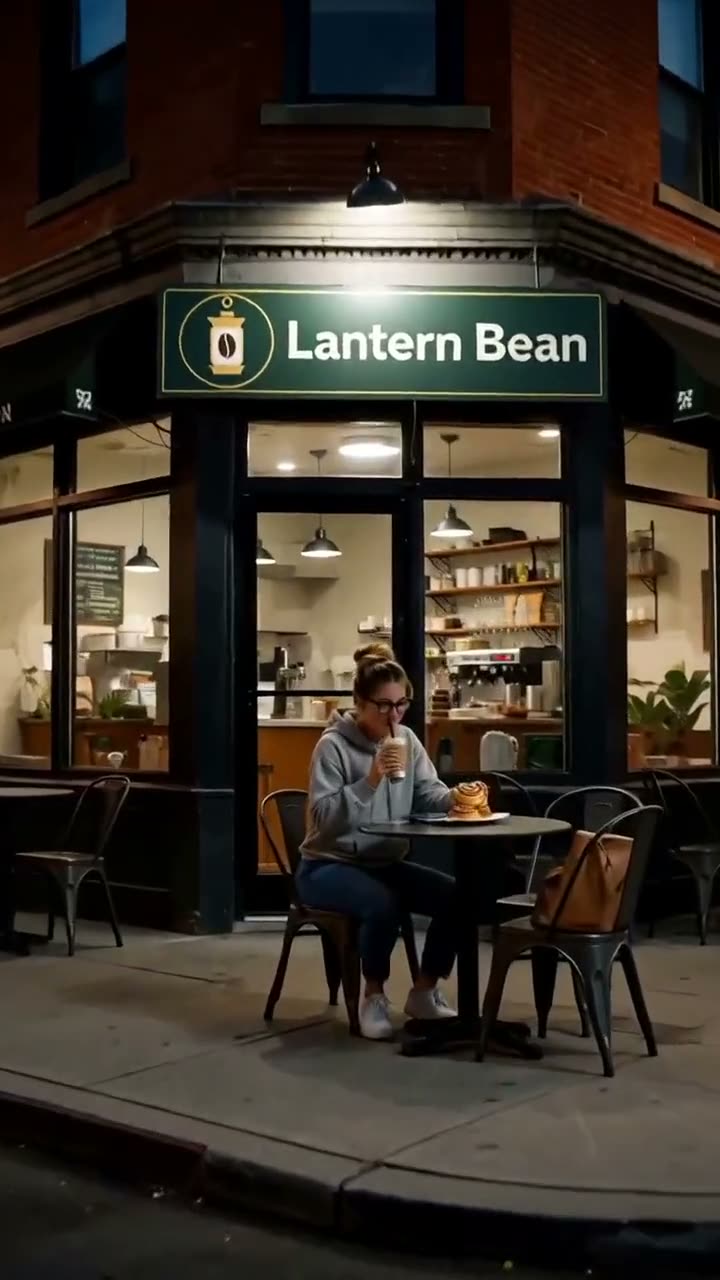
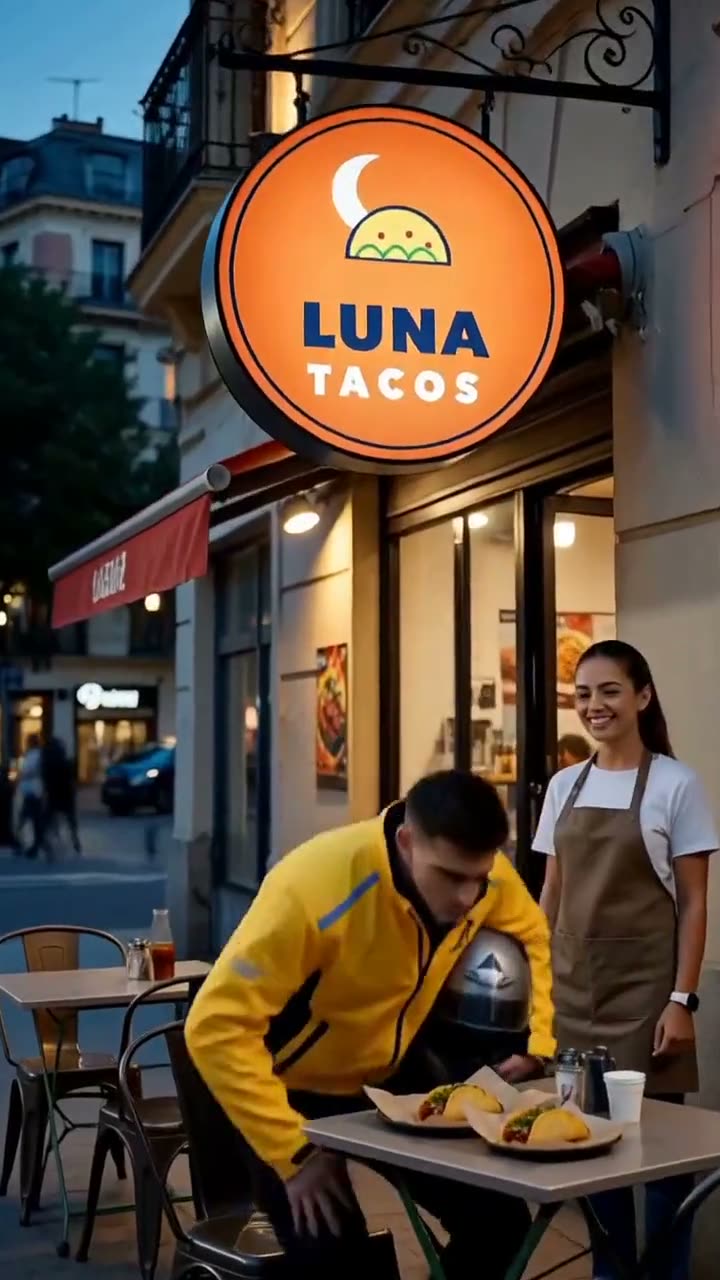
These video ad examples are seven 15-second short dramas for invented shops, four of them American myths and folk tales. Each logo went in as a reference image and the video model filmed it on the sign; subtitles and the store card were added when the three shots were stitched. Each one used 45 credits. Open any of these video ad examples with sound: the dialogue, subtitles and store card are part of the export.
Pie stand · the Headless HorsemanA villain with an ordinary errand. The last shot was filmed twice to keep the stand the same.Guide
Nail salon · MedusaHands are on screen in two of three shots, and the sign is the logo filmed from a reference.Guide
Gym · HerculesThe strongest character loses happily, and the free first class sits on the store card.Guide
Pizza shop · King ArthurA famous impossible task, solved by the shop's everyday tool.Guide
Coffee shop · draft eightA modern office comedy with a boss twist in the last shot.Guide
Taco shop · the last orderA delivery rider finally eats, then gets one more order.Guide
Fried-chicken shop · Chinese period dramaMandarin dialogue with English or Chinese subtitles.Guide
The video ad examples below start from footage that already exists: a logo tracked onto a screen, one object regenerated by AI, and a product clip made to be placed.
BeforeAfter
Screen placement · 8s · 0 AI credits
Logo on a moving screen
A tablet showing a dashboard drifts across the frame. After the placement, the screen shows brand artwork that follows every move with the right perspective, and the original audio track is untouched.
Use it for: app and software demos, vlogs with a laptop on the desk, event screens and digital signage in street scenes.
How it was made
Import the original 8-second clip
Auto-find surfaces and pick the screen
Preview tracking, then apply it
Export an H.264 MP4 in the browser
BeforeAfter
AI region edit · 8s · owner beta
One object regenerated by AI
The same demo footage, but only one card in the grid changes; every other pixel is the original video. This is the region-editing path used for virtual products: mark a spot, regenerate only that area, merge it back.
Use it for: a product that should stand on a desk, shelf or counter where no screen or sign exists in the shot.
How it was made
Mark the region on the first frame
Refine the mask with SAM 2
Regenerate the region with Wan VACE
Review and merge it over the original on your device
AI product video · 5s · 12 credits
A product clip to place
A five-second product shot generated from a text prompt with Grok Imagine Video. Use a clip like this as a cutaway next to your footage, or open it in the editor and place a label on the bottle.
Use it for: a quick product cutaway when you have no footage of the product yet, or a clean source shot for a label placement.
How it was made
Describe the scene
Check the credit quote
Generate and review
Open the result in the editor
Material library · animatic · 0 AI credits
Product images ready to place
Product photos saved once in your private library can be picked as placement artwork in any project. This animatic was assembled from those stills; it shows the images, not generated motion.
Use it for: brands with many SKUs or markets that place the same products across a series of videos.
These video ad examples use seven 3D-rendered scenes with invented brands. Each placement is a real run of the Veolora editor: four corners on the surface, planar tracking through the camera move, then a perspective-correct export. Drag the divider to compare.
BeforeAfter
3D scene · TV screen · 6s
Headphone ad on a living-room TV
BeforeAfter
3D scene · digital billboard · 6s
Sports-drink ad on a street billboard
BeforeAfter
3D scene · phone screen · 6s
App screen on a phone
BeforeAfter
3D scene · laptop screen · 6s
App landing page on a desk laptop
BeforeAfter
3D scene · lightbox · 6s
Skincare ad in a bus-shelter lightbox
BeforeAfter
3D scene · framed poster · 6s
Coffee poster on a café wall
BeforeAfter
3D scene · T-shirt print · 6s
Logo print on a T-shirt
Video ad examples by industry
These are starting points for planning, not finished videos. Each one names the kind of shot where a placement usually fits.
Beauty and personal care
A bottle or jar on a bathroom shelf or vanity in a get-ready-with-me video.
Consumer tech
Your app on the phone screen during a desk setup tour, or your site on a laptop in a work vlog.
Food and drink
A can or bottle on the table in a cooking, gaming or podcast set.
Retail and local business
A poster in a shop window or a sign on a wall in street and travel footage.
Games and streaming
Artwork on the monitor or the TV behind the player in a reaction or setup video.
Apps and SaaS
A dashboard on a tablet or a monitor in an office scene, like the screen placement above.
Screen placement or AI region edit
Compare
Screen placement
AI region edit
What changes
Artwork on a flat surface
A product generated into a marked region
Text and logos
Stay exactly as supplied
Generated, small print may differ
Where it runs
In your browser
On the editing provider, then merged on your device
Cost
0 AI credits
Owner beta now, or a done-for-you order
Best for
Screens, posters, signs and packaging fronts
Products on desks, shelves and counters
Review
You check the track in the editor
Reviewed before the result is released
Video ad examples FAQ
Are the short-drama video ad examples real?
They are real Veolora exports for invented shops. The stories, lines, characters and signs came out of the video model; we only cut the films together and added subtitles and the store card. One stray sign in the Headless Horseman ad was painted over into a blank board.
Are these product placement examples real?
Yes. Each video is an actual export: the screen placement, the seven scene placements and the region edit were made in the Veolora editor, and the product clip is the actual provider output. The scenes themselves are 3D renders, and the animatic is labeled as stills.
Why are the scenes 3D renders and not a live-action shoot?
We only publish footage we have the rights to show, so the rooms, streets and products are rendered and the brands are invented. Live-action product placement examples will be added when customers agree to share their before and after.
Do the product placement examples on this page use AI credits?
Watching them is free. The screen placement used 0 AI credits; the product clip used 12 credits when it was generated; the region edit ran on the owner beta budget.
Can I use the demo footage for my own campaign?
The demo footage belongs to Veolora. Use it to test your artwork and to show a colleague how placement works. For anything you publish, use footage you own or are licensed to edit.
Will you add more video ad examples?
Yes. New examples are added only as real exports, each labeled with the format, the length and what it cost to make.
Can I open one of these examples and change it?
Yes. The screen demo opens in the editor with the placement ready, so you can move a corner or swap the artwork and export your own MP4.